- 3 Posts
- 7 Comments


 8·1 day ago
Here is a discussion about a more skeptical statement from the open source community on this:
https://feddit.org/post/24450681
But I think it is not either/either. If, for example, European industry wants to have any control over own critical systems, there is no way around investing in knowledge, skill, and infrastructure like real-time Linux.
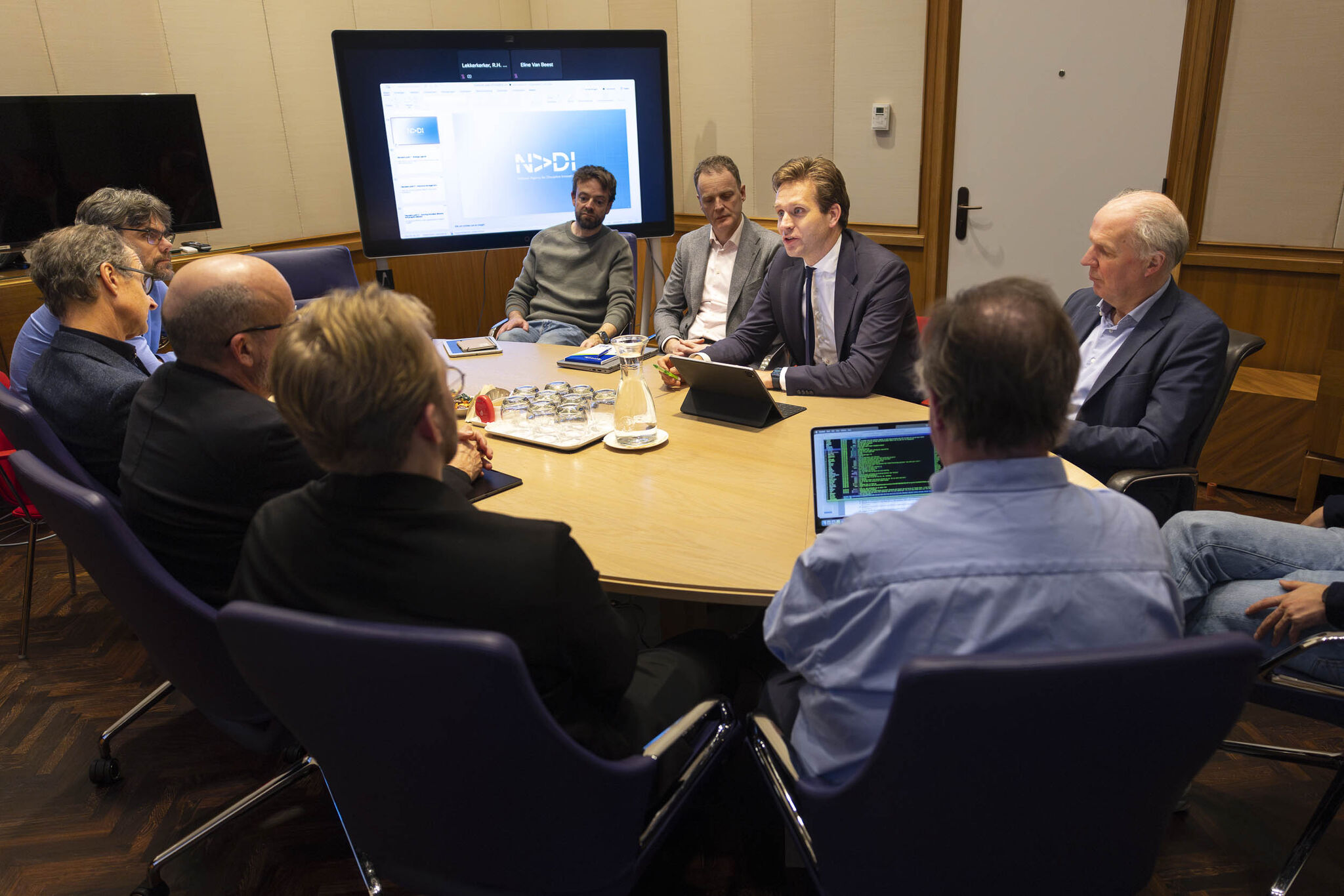
Some open source advocates also engaged in critical infrastructure, like Bert Hubert, support this:
https://berthub.eu/articles/posts/ft-on-european-cloud/
Here is a discussion about a more skeptical statement from the open source community on this:
The insight that a majority of open source projects are small contributions by hobby developers, and that it is their summed joint effort what matters, is very interesting.
This is part of a political discussion and lobbying effort that FLOSS development should be “funded better” to secure digital infrastructure.
What if the majority of contributors
(1) are not motivated by money in the first place, and
(2) don’t have time to work more?
Another thought: I think that one reason why the proportion of open source code grows is also software quality:
Companies would love to own all their code. So, when they employ people who work on proprietary code, the amount of proprietary code should grow, shouldn’t it?
Except that companies have mostly very short-term goals. And this affects quality: A lot of proprietary code has quite shit quality and is not really maintainable. Which has the effect that either the project dies, or becomes very slow to develop further, because of tons of technical debt.
FOSS projects do not have this constraint on short-term returns, so they often have better quality. Which makes it more likely that these projects live and prosper a bit longer. The short-term difference might not be even large - but the process goes year for year, round for round, and it becomes an evolutionary advantage.
In the end, everyone uses that Finnish students former hobby kernel project, and nobody uses Windows 95 - or wants to use its shitty successors.
(And this is why I also think that Guix will win in the long term: The capability to automatically re-produce all components of a program or system from freely available source is, in the long run, an overwhelming evolutionary advantage.)

 2·5 days ago
I’ve been rocking a Minimal Phone for about 6 or 7 months now, and man am I excited to have options for QWERTY phones again.
It’s like they’re designed solely for scrolling an endless feed of mind-numbing slop.
It is because they are exactly that.
There exist palmtops and handheld computers. I have a Gemini PDA running Sailfish OS Linux and it feels very different - like a small, cat-sized laptop. No problem running ssh or vim or ledger on it, or self-written guile apps, or cross-compiled Rust CLI tools. It is a computer, not a consumption device.
I would agree with that.
Especially, “being 70%” finished does not mean you will get a working product at all. If the fundamentale understanding is not there, you will not getting a working product without fundamental rewrites.
I have seen code from such bullshit developers myself. Vibe-coded device drivers where people do not understand the fundamentals of multi-threading. Why and when you need locks in C++. No clear API descriptions. Messaging architectures that look like a rats nest. Wild mix of synchronous and async code. Insistence that their code is self-documenting and needs neither comments nor doc. And: Agressivity when confronted with all that. Because the bullshit taints any working relationship.